
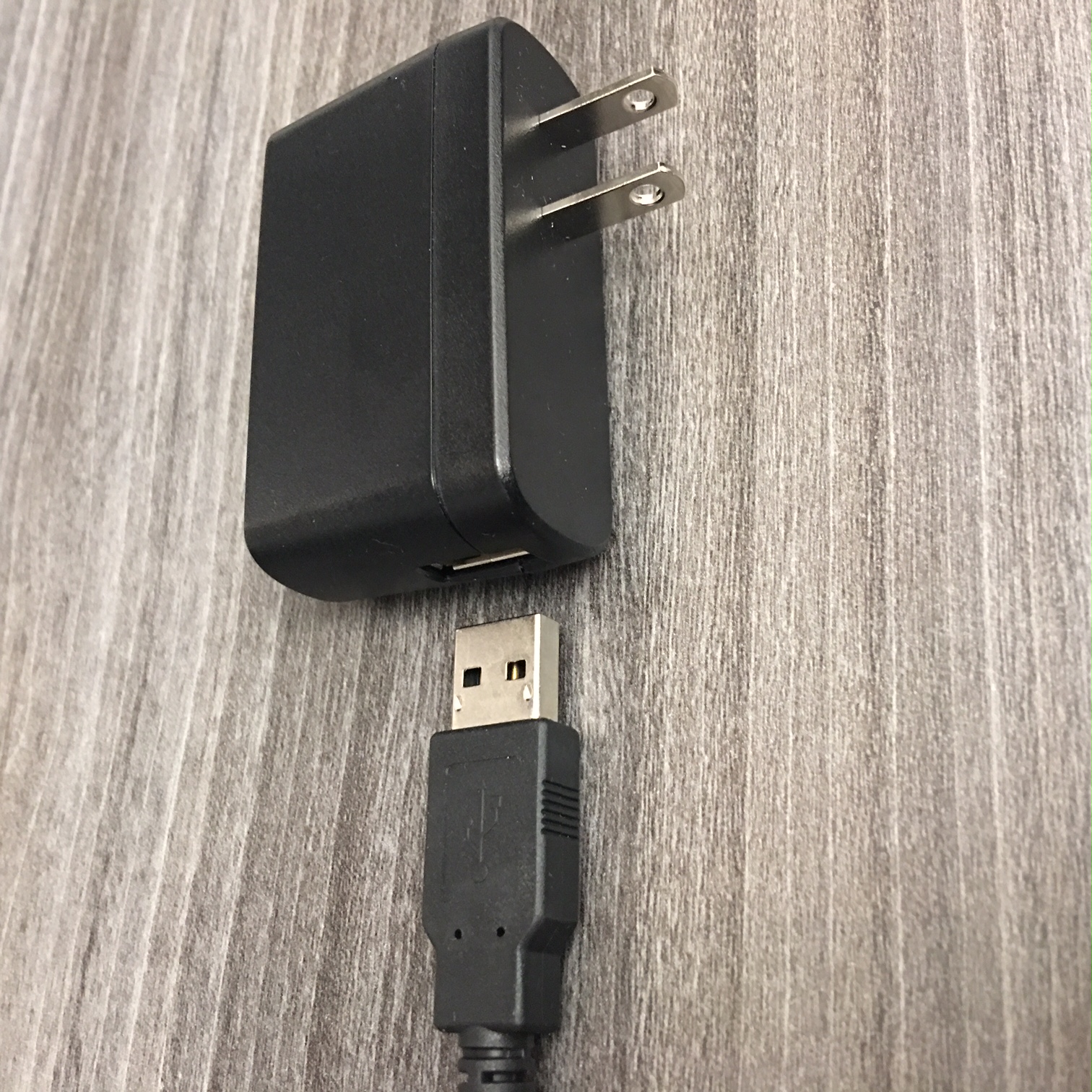
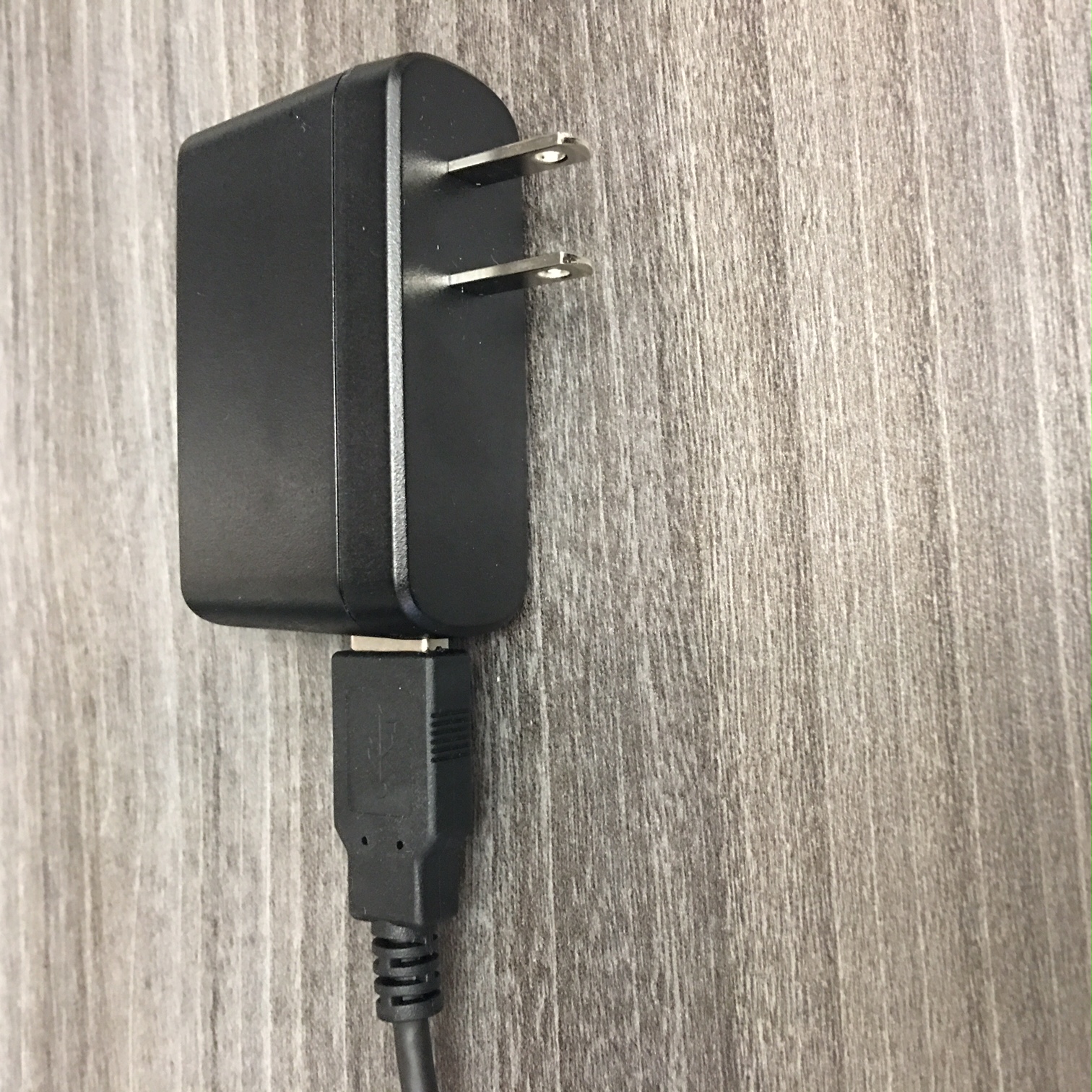
- Make sure the Freedompop MiFi Hotspot device is charged by plugging the USB into the charger and the micro USB into the hotspot.
- Turn on the freedompop MiFi Hotspot by pressing the power button.


- Once the device is on, select Settings from the tablet and find the WiFi device starting with "Snailz-###"
- The password for your Snailz Hotspot will be ilovesnailz in all lowercase letters.
1)
2)
3)
- Please check for the WIFI signal on the top right corner of the tablet to ensure connectivity.
Comments
0 comments
Please sign in to leave a comment.